
|
|
#1
 10-21-2025, 02:27 PM
|
|||
|
|||
 Word taskbar icon
This may sound like trivia but it isn't for me.
With the latest update of Office, the WORD icon in my taskbar has changed - some mumbo-jumbo from MS about reflecting the integration of CoPilot. The reason it isn't trivial is that I am used to the old icons and as a result I navigate to them without hesitation. I see no reason to learn new icons - that's of no value to me - and the new ones are just anonymous coloured squares - in the case of Word with a tiny "W" in the corner. Excel has an equally tiny "X". So I thought I'd change the icons . . . I go through the usual "change icon" routine and get a reasonable choice - but the changes don't take effect. I hate being bullied by MS like this - is there a workaround for me ? Maybe I have locked the taskbar in some way ? 
|
|
#2
10-22-2025, 10:34 AM
|
||||
|
||||
|
Maybe there are some "registry hacks" that you can use to customize the icons, or rather replace them with other icons. I am not sure.
__________________
Stefan Blom Microsoft Word MVP Microsoft 365 apps for business Windows 11 Professional Last edited by Stefan Blom; 11-14-2025 at 04:38 AM.
|
|
#3
11-14-2025, 04:31 AM
|
|||
|
|||
|
Click on the image below to see a short YouTube video of how to change the Taskbar Word icon to a preferred one.
I’m using a modified version of Windows 11 (25H2) so it may be slightly different on your version of W11 but it hopefully will give you an idea of what to do. Note: When you have created a sub-folder that contains the new Word .ico file in a location of your choice, it must remain in that folder otherwise the link between the ‘new’ Taskbar icon will be broke and a blank icon will appear in its place. 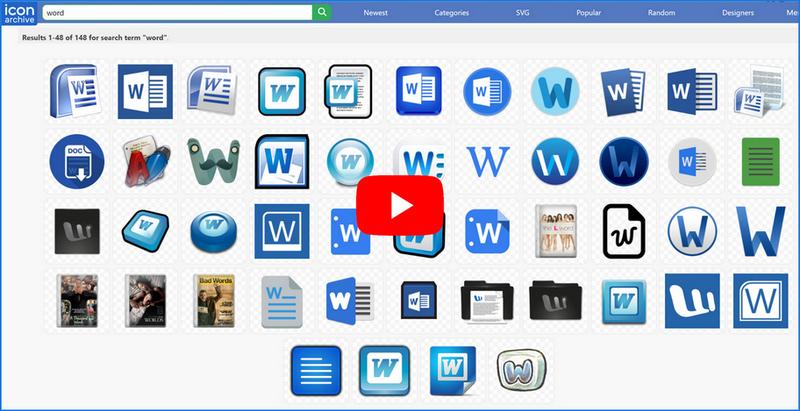 I hope this helps you and others out. Last edited by Moonshine; 11-14-2025 at 06:42 AM.
|
|
#4
11-15-2025, 01:30 PM
|
|||
|
|||
|
Thank you.
That IS what I was doing, but the change was not applied. However, after yesterdays Windows 11 and Office 365 update, changing the icon is now working as expeected.
|

|
|
|
 Similar Threads
|
||||
| Thread | Thread Starter | Forum | Replies | Last Post |
| Outlook envelope icon in the taskbar | sb008 | Outlook | 5 | 11-15-2025 06:15 PM |
 "Recent" not displaying when right clicking Word 2016 icon in taskbar "Recent" not displaying when right clicking Word 2016 icon in taskbar
|
Rickgdy | Word | 1 | 06-19-2020 08:39 AM |
|
Change Userform Icon in Taskbar
|
derajlance | Word VBA | 7 | 06-01-2019 08:02 PM |
| OneNote Icon on Taskbar Query | kevitec57 | OneNote | 0 | 03-22-2016 06:37 AM |
| Taskbar icon always moves when saving Adobe PDF from Word | WaltR | Word | 0 | 10-03-2015 09:41 AM |


 Windows 11
  Office 2021


 Linear Mode
